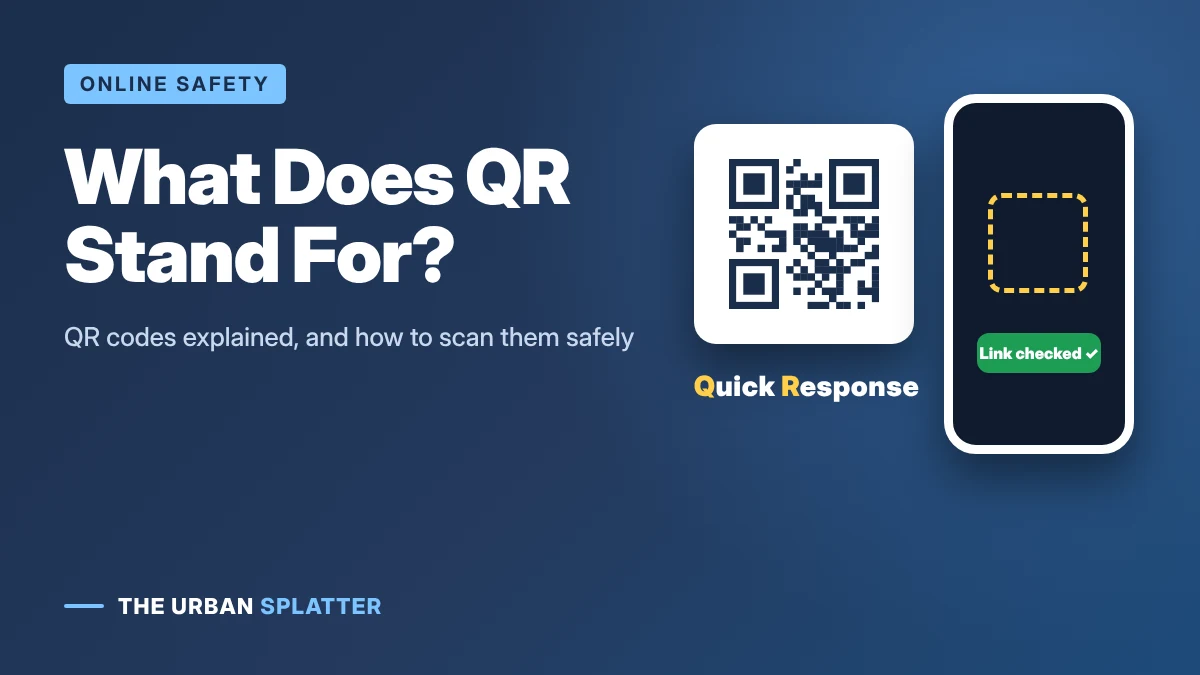
QR stands for “Quick Response”. A QR code is a square, two-dimensional barcode that a phone camera can read in a fraction of a second, which is where the name comes from. QR codes are now everywhere, from restaurant menus to parking meters, and that popularity has also made them a favorite tool for scammers. This guide explains what QR stands for, how QR codes work, how to scan one on iPhone and Android and how to spot a fake QR code.
In this article
What Does QR Stand For?
QR = Quick Response. The name describes the code’s main design goal: to be read very quickly, from any angle, by a scanner or camera.
Who Invented the QR Code?
The QR code was invented in 1994 by Masahiro Hara, an engineer at the Japanese automotive parts maker DENSO, in a division that later became DENSO WAVE. According to the Japan Patent Office, ordinary one-dimensional barcodes could hold only about 20 characters and could not store Japanese Kanji, so Hara designed a code that stores data both horizontally and vertically. A QR code can hold about 200 times more information than a traditional barcode and still be read just as quickly.
It was first used to track car parts in factories. DENSO WAVE chose not to enforce its patent rights over the basic standard, which helped QR codes spread worldwide. They took off with smartphones, and especially during the COVID-19 pandemic, when contactless menus and payments became common.
How Does a QR Code Work?
- Finder patterns: the three large squares in the corners tell the camera where the code is and which way up it is.
- Data modules: the small black and white squares store the information as binary code.
- Error correction: extra data lets the code still work if part of it is dirty, damaged or covered by a logo.
- Content: a QR code usually holds a web link, but it can also hold text, Wi-Fi details, contact cards or payment information.
QR Code vs Barcode
| Barcode | QR code | |
|---|---|---|
| Shape | Lines (one-dimensional) | Square grid (two-dimensional) |
| Data capacity | About 20 characters | Thousands of characters |
| Reading angle | Usually straight on | Any angle |
| Typical use | Product prices at checkout | Links, menus, payments, tickets, Wi-Fi |
How to Scan a QR Code
On iPhone
- Open the Camera app.
- Point it at the QR code so the code is visible on screen.
- Tap the yellow link banner that appears.
On Android
- Open the Camera app, or Google Lens.
- Point the camera at the code.
- Tap the link that appears. On some phones you may need to turn on QR scanning in the camera settings.
Before you tap, always read the web address shown in the preview.
QR Code Scams (“Quishing”)
Quishing is phishing with QR codes. Because you cannot read a QR code with your eyes, scammers use them to hide links to fake websites that steal passwords or payment details, or that install malware. Common tricks include:
- Fake stickers placed over real codes on parking meters, EV chargers and restaurant tables
- Emails or letters saying there is a problem with your account and asking you to “scan to verify”
- Codes on fake delivery notices or unpaid toll messages
- Unexpected packages with a QR code asking you to scan to find the sender
- Scammers also use fake investment chats; learn the signs of a pig butchering scam.
How to Scan QR Codes Safely
- Check the link preview before opening it. Look for misspellings or odd domains.
- Look for stickers stuck on top of printed codes in public places.
- Do not scan codes from unexpected emails, texts or letters. Go to the official website or app instead.
- Never enter passwords or card details on a site you reached through a QR code unless you are sure it is genuine.
- Use your phone’s built-in camera rather than downloading a random QR scanner app.
- Keep your phone’s software up to date.
Frequently Asked Questions
What does QR code mean?
A QR code is a “Quick Response” code: a square barcode that stores information a phone camera can read instantly.
Can a QR code give my phone a virus?
Scanning a QR code alone does not usually install anything. The danger is the link it opens, which can lead to a fake website or prompt you to download a harmful app.
Do QR codes expire?
Static QR codes, which store a link directly, never expire. Dynamic QR codes, which point to a link the creator can change, can stop working if the service behind them is cancelled.
Can I make my own QR code?
Yes. Many free generators can turn a link into a QR code, and some phones and browsers can create one when you share a web page.
Final Thoughts
QR stands for Quick Response, a name that fits a code built to be read in an instant. QR codes are safe and useful, as long as you check where a code leads before you tap. For more plain-English tech and online safety guides, explore the latest articles on The Urban Splatter.