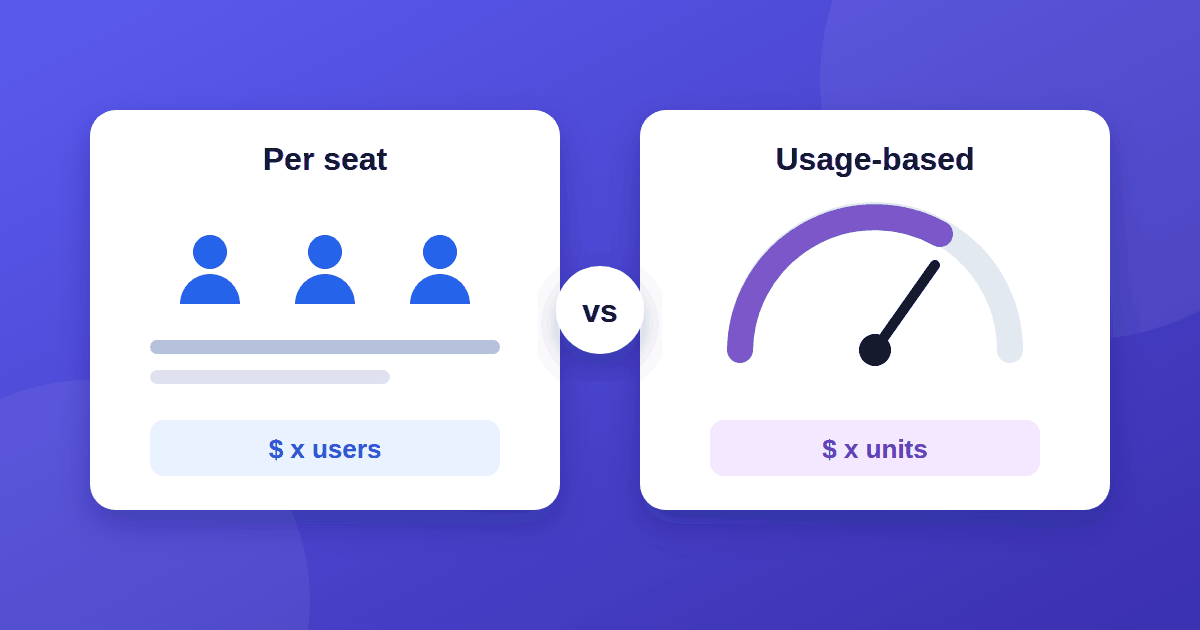
Two software products can offer the same features and still cost very differently, because of how they charge. The choice between per-seat vs usage-based pricing decides whether your bill follows your headcount or your activity. Most articles on this topic are written for vendors choosing a model. This one is written for the person paying.
The main SaaS pricing models
- Per-seat (per-user): you pay for each person with access, usually per month. Slack's pricing page is a familiar example of pricing based on users.
- Usage-based: you pay for what you consume, such as messages sent, contacts stored, storage, or API calls. Cloud services like AWS are pay-as-you-go examples.
- Flat-rate: one price for a defined set of features, regardless of users or usage.
- Tiered: plans with limits (users, projects, contacts) and a price step at each level.
- Hybrid: a platform fee plus usage or extra seats. Many SaaS tools now combine models.
How per-seat pricing can cost you more
Per-seat pricing is predictable, and finance teams like it. Its risk is waste:
- You pay for people who rarely log in.
- Viewers and occasional users cost the same as heavy users on some plans.
- Teams start rationing access to save money, so the tool ends up underused.
- Growing headcount raises the bill even when the work volume does not.
How usage-based pricing can cost you more
Usage-based pricing matches cost to consumption, which sounds fair. Its risk is surprise:
- Bills vary from month to month and are hard to forecast.
- A busy period, a bug, or one heavy user can spike the invoice.
- The unit being counted may not match how you think about value.
- Overage rates are often higher than the included allowance.
Which one costs less?
Neither is cheaper in the abstract. Use your own situation:
| Your situation | Usually a better fit |
|---|---|
| Small, stable team using the tool daily | Per-seat |
| Many occasional users who mostly view | Usage-based or flat-rate |
| Spiky or seasonal workload | Usage-based, with a spending cap |
| Need a fixed budget | Per-seat or flat-rate |
| Automation running in the background | Usage-based (background jobs do not occupy a seat) |
Estimate your real cost
Run this quick calculation before you sign:
- Per-seat cost = price per seat × number of people who will actually use it × months.
- Usage cost = expected units per month × price per unit, plus the platform fee.
- Add a buffer. For usage-based plans, model a busy month at 1.5 to 2 times your normal volume.
- Include growth. Redo the numbers for a team or volume 50% larger.
For example, a hypothetical tool charging a per-seat fee for 10 people costs the same whether or not all 10 use it. A usage-based tool might cost less in a quiet month and more in a busy one. Only your own numbers can tell you which wins.
Questions to ask the vendor
- What exactly is counted as a "user" or a "unit"?
- Can I set a spending cap or usage alerts?
- What happens when I go over my allowance?
- Are inactive users removed automatically, or do I keep paying?
- Is there a minimum commitment or annual contract?
- Does the price change at renewal?
How to protect yourself
- Ask for a cap or alert on usage-based plans.
- Audit seats every quarter and remove inactive users.
- Prefer monthly billing while you are still learning your real usage.
- Negotiate a fixed price for a defined volume if your usage is predictable.
- Write down your assumptions so you can check them against the first invoices.
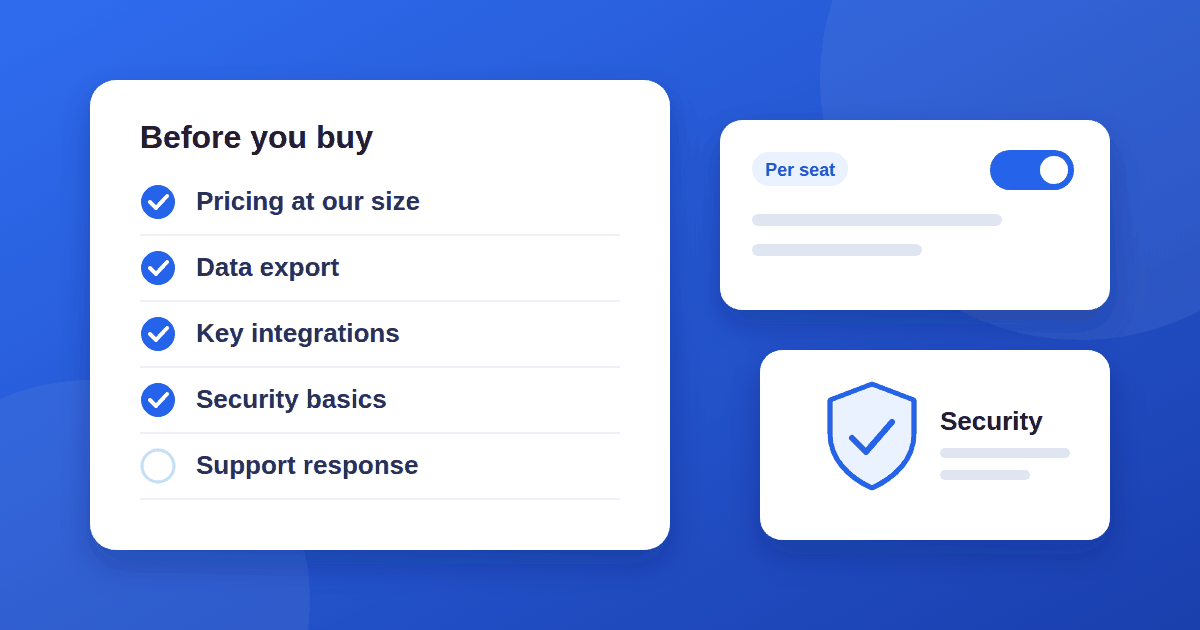
Pricing is one part of a good purchase. For the rest, use our 10-check guide to evaluating SaaS tools, and read our guide to free backlink checkers to see what a free tier can cover before you pay.
The takeaway
Per-seat pricing fails by waste and usage-based pricing fails by surprise. Choose the model whose weakness you can live with, do the arithmetic with your own numbers, and negotiate caps and alerts before you commit.
If you are choosing a CRM specifically, these companion guides go further: CRM software examples, CRM for startups, and CRM best practices without a RevOps hire.