Almost every article on CRM for startups quietly assumes you already have salespeople, a pipeline manager and a forecast to defend. If you are two founders and a half-finished landing page, that advice is backwards. You do not need a system to manage a sales team. You need a place to stop losing track of the twenty people who might become your first customers.
This guide is written for pre-revenue and very early teams. It covers what a startup CRM should do at this stage, what it should deliberately not do yet, and which options are worth a look.
Why startups need a CRM before they have a sales team
In the earliest days, founders sell. Conversations happen in DMs, email threads, coffee chats and conference hallways. Six weeks later, nobody can remember who asked for a follow-up, who wanted a demo, or who said "come back when you have a mobile app."
A CRM fixes exactly that, and nothing more is required. At this stage it is a memory aid for founder-led sales, not a reporting engine. That framing changes what you should buy.
What a pre-revenue CRM needs to do
Keep the requirement list short enough to fit on a sticky note:
- Store every contact with notes and a history. If you have to hunt for context, you will stop logging it.
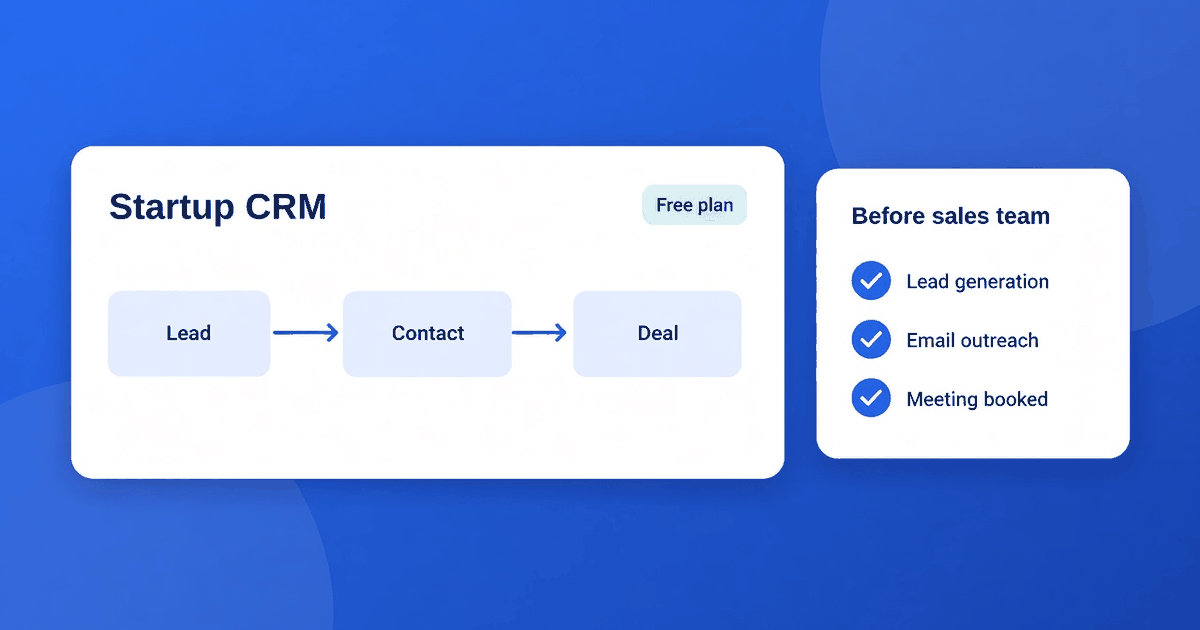
- Show a simple pipeline. Four or five stages is plenty: new, talked, demo or trial, proposal, won or lost.
- Remind you to follow up. Missed follow-ups are the biggest leak in an early funnel.
- Connect to your email. If logging requires manual copy and paste, the habit dies by week two.
- Cost close to nothing. Runway matters more than features.
That is the whole list. Everything else is a distraction until you have repeatable revenue.
What to ignore for now
Vendors love to demo advanced features. For a pre-sales-team startup, you can safely skip:
- Forecasting and quota tracking. There are no quotas yet.
- Complex lead scoring. You do not have enough leads for scores to mean anything.
- Territory and role-based permissions. Two people do not need a permission model.
- Heavy customization. Custom objects are a way to spend a month and sell nothing.
If a tool leads with these in its pitch, it is built for a team you are not yet.
CRM options that fit an early-stage startup
HubSpot Free CRM
HubSpot's free CRM is the usual first stop for startups. You get contact records, a deal pipeline and email tracking with no mandatory charge, and the interface is friendly for non-sales people. The trade-off is that HubSpot's paid tiers are designed to pull you upward as you add marketing and automation features, so decide early what you will and will not pay for. For many founders, staying on the free plan for the first several months is entirely reasonable.
Pipedrive
Pipedrive is a paid tool, but it is built around the exact thing founders need: a visual pipeline and a steady prompt to schedule the next activity. If your early selling is deal-driven (B2B services, SaaS demos, partnerships), that focus can be worth the monthly fee even before you hire anyone. Check the current pricing page for plans and any trial, since both change.
A spreadsheet, honestly
For the first ten to twenty prospects, a well-structured spreadsheet is a legitimate option. It costs nothing and teaches you what you actually track before you commit to someone else's data model. The catch is that spreadsheets do not remind you to follow up, and they fall apart when a second person edits them. A template for this is coming in our upcoming guide to CRM Excel and Sheets templates; until then, keep it to columns for name, company, last contact date, next step and stage.
Lightweight inbox-based tools
If your selling is purely email, a CRM that lives in your inbox, such as Streak, can mean zero adoption friction. See our wider breakdown in CRM software examples: 12 systems and what each is for for how these tools compare by business size.
A simple decision framework
Use this quick test:
| Your situation | Likely best fit | |---|---| | Under 20 active prospects, solo founder | Spreadsheet or a free CRM tier | | Founder-led B2B selling, pipeline matters | HubSpot free or Pipedrive | | All sales happens in Gmail | An inbox-native tool | | Planning to hire a first salesperson within 3 months | Pick the tool they will inherit now |
The last row matters most. Switching CRMs mid-growth is painful because history, automations and habits all have to move. If a first hire is on the horizon, choose a tool that will not feel too small in six months.
The startup software stack around your CRM
A CRM never sits alone. Most early-stage companies end up with a handful of tools covering billing, support and communication: a payments tool such as Stripe for taking money, a support inbox for customer questions, and the CRM for relationships. Resist the urge to buy all of them at once. Add each tool only when a specific, recurring pain justifies it.
Before adding any of them, run the purchase through our 10 checks before you buy any SaaS tool. It is a fast way to avoid paying for software you will abandon. We will also be covering the full early-stage stack by function in an upcoming guide to top SaaS tools for startups.
Setting up your startup CRM in one afternoon
You do not need a rollout plan. Do this instead:
- Import what you have. Export contacts from your email and any spreadsheet. Clean obvious duplicates before importing.
- Define five pipeline stages. Write them in plain language you will remember.
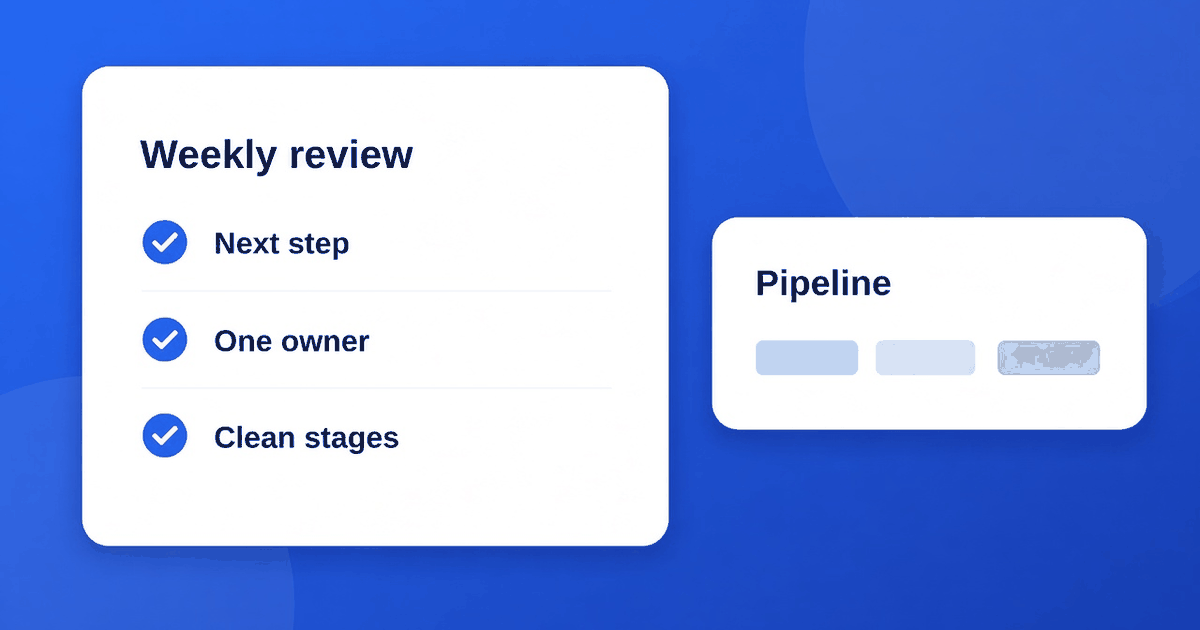
- Add the rule "next step required." Every active deal gets a dated next action.
- Connect your email and calendar.
- Pick one weekly slot to review the pipeline for 20 minutes.
Habit beats software. A free tool you use every Friday outperforms a premium one nobody touches. When you are ready to formalize habits further, our guide on CRM best practices without a RevOps hire shows how.
When to upgrade
Move beyond your starter setup when:
- More than one person sells. Shared ownership of deals needs clear rules.
- You lose deals to forgotten follow-ups despite your best efforts.
- You need reporting you cannot assemble by hand in ten minutes.
- Customers start expecting a coordinated experience across sales and support.
If none of these apply, the answer to "should we upgrade?" is almost always "not yet."
Mistakes startups make with CRM
- Buying an enterprise platform on day one. Powerful, but you will spend more time configuring than selling.
- Over-customizing. Every custom field is a promise to fill it in forever.
- Never logging notes. A CRM without context is just an address book.
- Assuming the tool creates discipline. It only records what you do.
Final thoughts
The best CRM for startups is the one that makes you slightly more organized this week and does not become a burden next month. Start free or nearly free, keep the pipeline simple, and let real selling experience tell you what you need next. Buy for the team you have, not the one in your pitch deck.