Most lists of CRM software examples hand you twenty logos in a flat row and wish you luck. That is a strange way to shop, because the right CRM for a freelancer and the right CRM for a 4,000-person sales organization have almost nothing in common. A tool that is perfect at one size is often painful at the other.
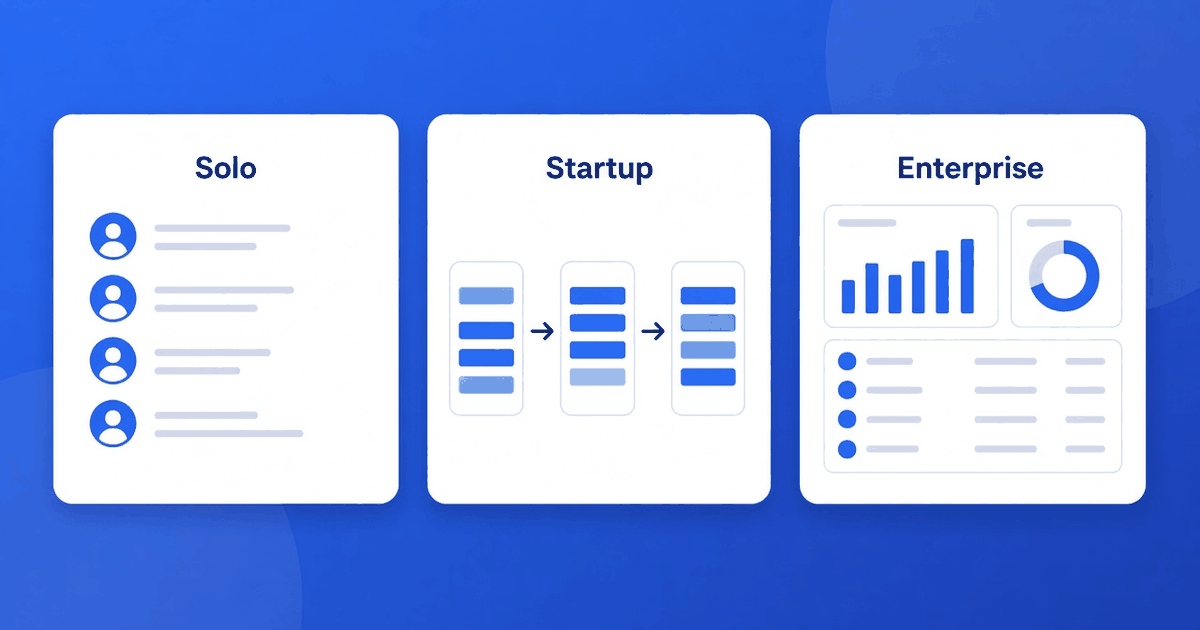
So this guide does it differently. Below are twelve CRM systems examples grouped by the size of business that tends to get the most value from them: solo operators, startups and small teams, and larger organizations. For each one you will see what it is genuinely for, and where it is likely to disappoint you.
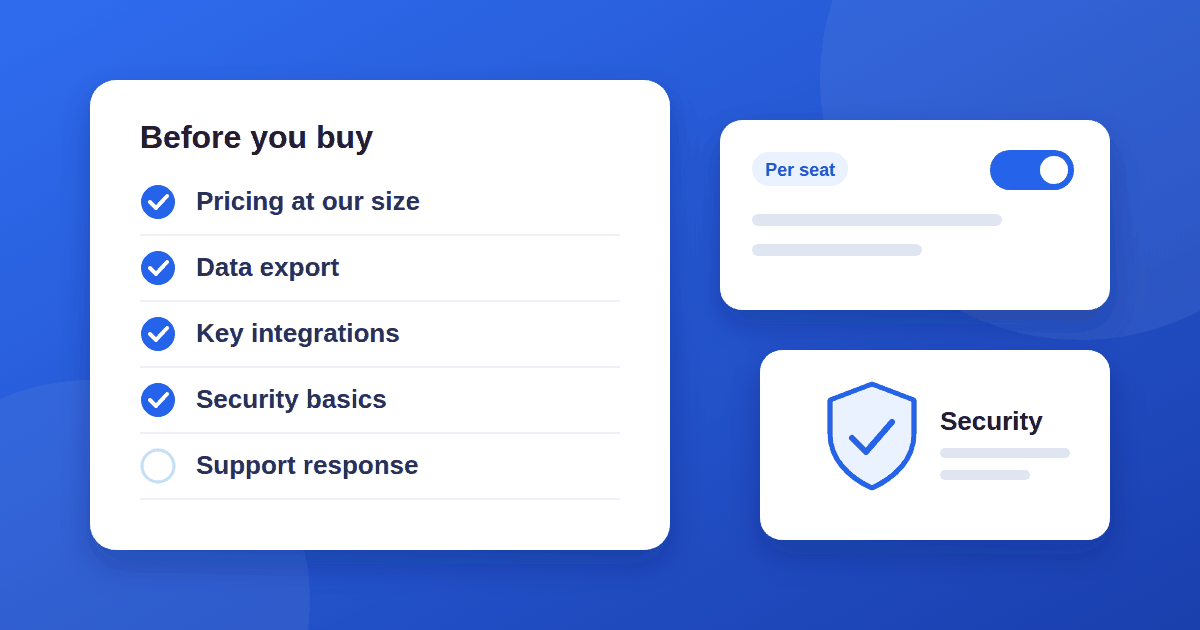
If you are still deciding whether to buy any software at all, run through our 10 checks to run before you buy any SaaS tool first. It will save you from the most common purchasing mistakes.
What a CRM actually does
A CRM (customer relationship management) system is a shared record of who your contacts are, what you have said to them, and what happens next. Everything else, including pipelines, email sync, automation and reporting, is built on top of that record. Salesforce's overview of what CRM is is a decent vendor-side primer if you want the formal definition.
When people search for examples of CRM, they usually mean one of three different things:
- A contact and deal tracker for a person or very small team.
- A sales pipeline tool that a team lives in every day.
- A platform that also handles marketing, service and custom data across departments.
Keep those three jobs in mind. Most buying regret comes from choosing a platform when you needed a tracker.
CRM software examples for solo operators and freelancers
If it is just you, or you and one partner, your enemy is setup time. You need a place to remember conversations and follow-ups, not a configuration project.
1. HubSpot CRM (free tier)
HubSpot's free CRM is the example most people meet first. It gives you contact records, a deal pipeline and email logging without a mandatory paid plan. Best for: solo professionals who want a polished starting point and may grow into marketing tools later. Watch out for: paid add-ons get expensive quickly, so decide in advance which features you will refuse to upgrade for.
2. Zoho CRM
Zoho CRM sits in the middle ground: more configurable than a basic tracker, and priced to be approachable. Best for: people who like to customize fields and workflows and already use other Zoho apps. Watch out for: the flexibility is real, and so is the learning curve.
3. Capsule
Capsule is a deliberately simple contact manager with pipelines. Best for: service businesses that want something quiet and easy to keep tidy. Watch out for: you may outgrow its automation if your process becomes complex.
4. Streak (inside Gmail)
Streak lives inside your inbox, which means there is almost nothing to adopt. Best for: people whose entire sales process happens in email. Watch out for: it is tied to the inbox, so it suits a single workflow better than a multi-channel operation.
CRM system examples for startups and small teams
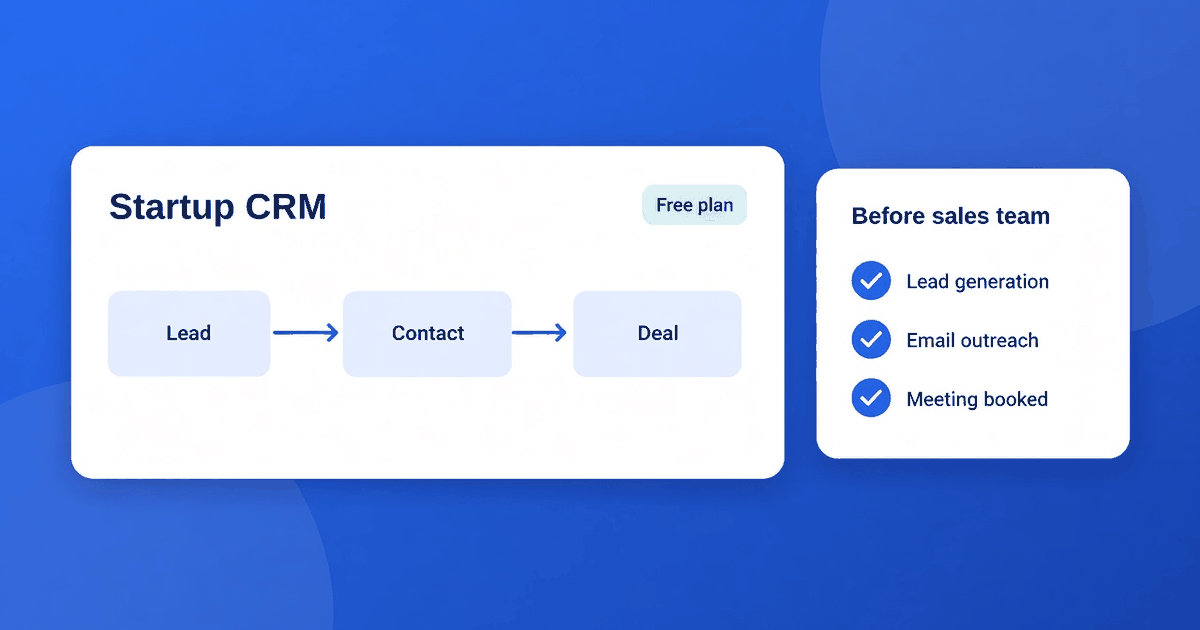
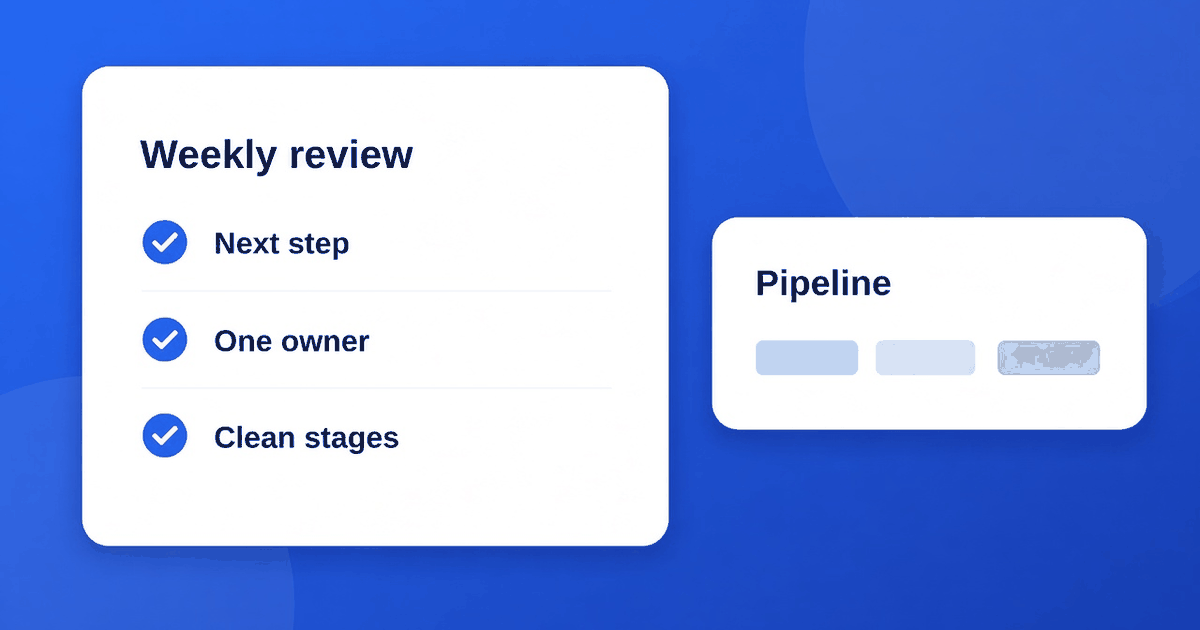
Once two or three people share a pipeline, the questions change. Who owns this deal? What stage is it in? Why did we lose the last five? Teams at this size need clarity on the pipeline more than they need breadth of features. If you are pre-revenue with no sales hire yet, read CRM for startups: what to buy before you have a sales team as well, because the advice differs from a team that already sells every day.
5. Pipedrive
Pipedrive is built around the visual pipeline. Deals move across stages, and the interface constantly nudges you toward the next activity. Best for: small sales teams that think in stages and want a CRM that gets out of the way. Watch out for: it is sales-first, so marketing and support needs usually mean adding other tools.
6. Freshsales
Freshsales from Freshworks bundles contact data, email and phone features, and basic automation. Best for: teams that want calling and email in one place. Watch out for: as with any bundle, check that the parts you need are on the plan you can afford.
7. Copper
Copper is designed around Google Workspace, so records populate from Gmail and Calendar. Best for: Workspace-based teams that want low data-entry effort. Watch out for: if your company runs on Microsoft tools, look elsewhere.
8. monday CRM
monday.com's sales CRM comes from a work-management background, which makes it highly visual and flexible. Best for: teams that already manage projects in monday and want the sales process in the same place. Watch out for: flexibility can turn into inconsistency if nobody owns the structure.
CRM software examples for larger organizations
At enterprise scale the question is no longer "can we track deals?" It is "can we govern data across regions, teams and compliance rules?" These systems are platforms, and they are priced and staffed accordingly.
9. Salesforce
Salesforce is the reference point for enterprise CRM. Its strength is customization and an enormous ecosystem of integrations and consultants. Best for: complex sales processes and organizations with admin resources. Watch out for: without a dedicated admin, a Salesforce instance tends to drift into a mess of unused fields.
10. Microsoft Dynamics 365
Dynamics 365 fits naturally if your company already runs on Microsoft 365 and Teams. Best for: Microsoft-centric enterprises that want CRM and ERP-style modules connected. Watch out for: implementation is a project, not a purchase.
11. Oracle NetSuite CRM
NetSuite CRM is part of a broader business-management suite. Best for: companies that want sales, finance and inventory data under one roof. Watch out for: you are buying into a suite, so evaluate the whole thing rather than the CRM in isolation.
12. SAP Sales Cloud
SAP's CRM products target large enterprises already invested in SAP. Best for: organizations whose back office already runs on SAP. Watch out for: like Dynamics and NetSuite, this is rarely a sensible standalone choice for a small team.
Quick comparison by business size
| Business size | Primary need | Good starting examples | |---|---|---| | Solo / freelancer | Remember conversations, low setup | HubSpot free tier, Capsule, Streak | | Small team / startup | Shared pipeline clarity | Pipedrive, Freshsales, Copper | | Growing company | Flexibility without a big project | Zoho CRM, monday CRM | | Enterprise | Governance, integrations, scale | Salesforce, Dynamics 365, NetSuite, SAP |
How to choose among these CRM systems examples
Do not pick from a list of names. Pick from a list of your own requirements:
- Write down your sales stages. If you cannot describe them on a napkin, no tool will fix that.
- Count real users. Per-user pricing changes the math. Our breakdown of per-seat vs usage-based pricing explains why.
- Check the integrations you cannot live without: email, calendar, billing, your website forms.
- Run a two-week trial with real deals, not demo data.
- Ask who will maintain it. A CRM nobody owns decays within months. Our guide to CRM best practices without a RevOps hire covers how small teams keep one healthy.
Always confirm current features and pricing on each vendor's own site. Plans change often, and any article, including this one, can lag behind.
Common mistakes when shopping for a CRM
- Buying for the company you hope to become. Choose for the next twelve months, not the next five years.
- Treating the free tier as free forever. Understand what triggers an upgrade before you build workflows around a feature.
- Skipping data migration planning. Your existing contacts live in spreadsheets and inboxes. Decide how they get in cleanly.
- Ignoring adoption. The best CRM on paper loses to the one your team will actually open each morning.
The short answer
If you wanted a quick pick: solo operators should start light with HubSpot's free tier, Capsule or Streak. Small sales teams usually do best with Pipedrive or a similar pipeline-first tool. Larger organizations with real governance needs belong on a platform like Salesforce or Dynamics 365, with the budget for administration that implies.
The point of looking at CRM software examples is not to find the "best" one. It is to match the tool to the job and the size of the team doing it.