A cracked Surface Laptop 3 screen is worth a warranty check before you spend anything. Microsoft has said that some Surface Laptop 3 screens cracked without a drop or impact and told affected owners to contact support for a free repair during the warranty period. If that window has closed, you are choosing between Microsoft's paid service, an independent repair shop, a do-it-yourself panel swap, or putting the money toward a newer laptop. This guide walks through each route and when it makes sense.
It applies to both the 13.5-inch and 15-inch Surface Laptop 3. Prices below are ranges reported by owners and repair guides, not quotes. Your region and the date you read this will change them.
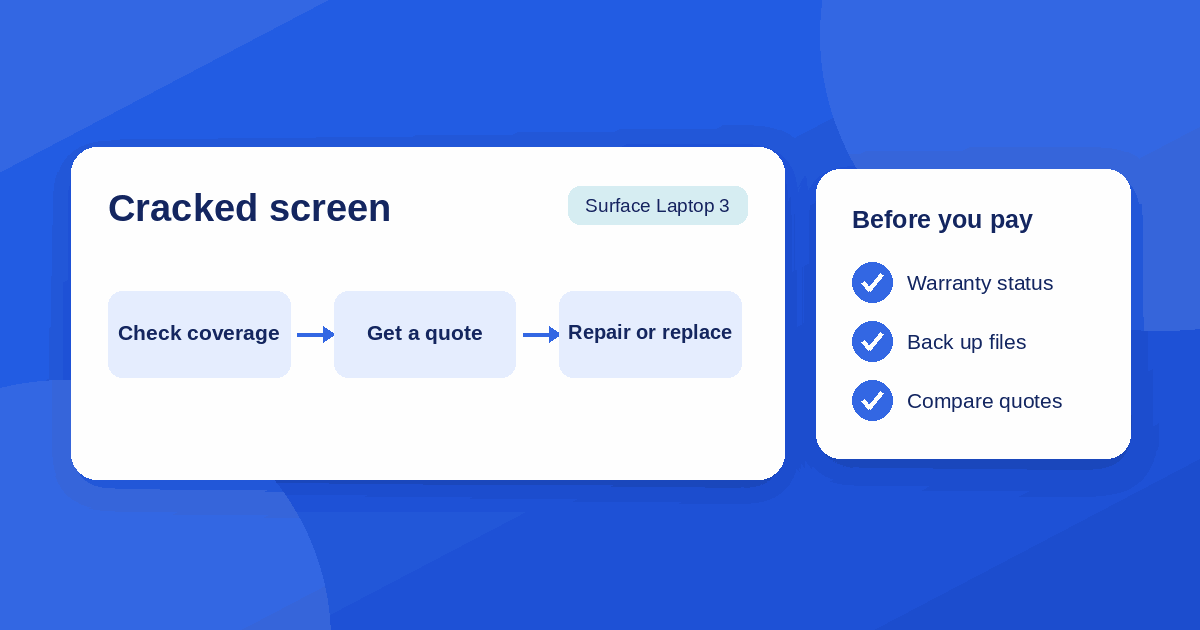
Check coverage first
Do this before any repair quote. It is the only step that can bring the cost to zero.
Microsoft's limited warranty. Surface devices normally carry a one-year hardware warranty from purchase, and that warranty does not cover drops or mishandling. The Surface Laptop 3 went on sale in October 2019, so most units are past it. The exception was the cracked-screen programme: TechRadar reported that Microsoft would repair unexpectedly cracked screens for free while the device was in warranty, and would discuss reimbursement for people who had already paid. Microsoft also keeps a support page on Surface Laptop 3 cracked screen reported incidents. Read it, then use your serial number when you open a service order.
Surface Complete or another extended plan. If you bought an extended warranty or accidental damage cover, a cracked screen is often the claim it exists for. Check the purchase email or your Microsoft account.
Card and home cover. Some credit cards extend manufacturer warranties, and some home or renters policies cover accidental damage to electronics. Neither is guaranteed, and both usually need the original receipt.
Some owners have reported that the online service form only offered a paid out-of-warranty option, even when they believed the screen fell under the cracking issue. If that happens, ask a support agent to review the case instead of paying through the form, and keep your screenshots and case number.
Why Surface Laptop 3 screens crack
There are two different causes, and they matter for your claim.
- Impact or pressure. A drop, a bag squeezing the lid, or something small left on the keyboard (an earbud case, a pen, a webcam cover) closed inside the lid. The crack usually starts near the point of pressure. This is not covered by the standard warranty.
- Spontaneous cracking. The Register reported in 2020 that owners were finding cracks with no clear cause, and Microsoft said a limited number of customers had reported screens that cracked through no fault of their own. A hairline crack that appears across the glass with no impact is the typical report.
If you do not remember any impact and the crack is a thin line, say so when you contact support. Do not guess at a cause in the form, and do not describe a drop that did not happen.
Your repair options
| Route | Best when | Main catch |
|---|---|---|
| Microsoft service (warranty or Surface Complete) | You are covered, or the crack matches the known issue | Needs proof of purchase or serial number; mail-in means days without the laptop |
| Microsoft service (out of warranty) | You want official parts and a repair warranty | Often the most expensive route |
| Independent repair shop | You want a quote today and a local fix | Part quality varies; ask what happens if the touch layer fails |
| DIY replacement | You are comfortable with delicate electronics and accept the risk | Ends any remaining warranty; the display is a single assembly |
| Replace the laptop | The quote is a large share of what a newer machine costs | You still need to move your data |
Whichever route you pick, ask for the price in writing before the laptop leaves your hands, and ask whether the quote includes the touch digitizer, since on this model the glass, touch layer, and LCD come as one display assembly.
What it costs
Cost is where the decision usually gets made, and it is the least stable number in this guide.
- Microsoft out of warranty. Repair guides put it somewhere in the $400 to $600 range, and one owner on Microsoft's own Q&A forum was shown a $750 out-of-warranty replacement fee. Microsoft says out-of-warranty pricing varies by product and region and can change, so the number on your service order is the one that counts.
- Independent shops. Usually below Microsoft's price, but they are quoting for the same hard-to-source display assembly. Get at least two quotes and ask whether the part is original or aftermarket.
- Parts only. Replacement display assemblies are sold online, with listings for the 15-inch model seen in the low-to-mid $100s. That is the part, not the repair, and quality and compatibility vary by seller.
Treat all of these as a range for comparison, not a budget.
DIY: a reality check
The Register noted that the Surface Laptop 3 was among the more repairable Surface laptops in recent years, but also that the display was still a challenge and that iFixit had warned it would need replacing as a complete, expensive unit. That is the honest summary of DIY on this model.
- You will need the right opening tools, patience with adhesive, and a clean, static-safe workspace.
- A replacement that arrives damaged, with a visible line, or with a failing touch layer is a common complaint in seller reviews. Test it as soon as it arrives.
- Opening the device ends any remaining manufacturer warranty.
- If you cannot afford to lose the laptop, a mistake is expensive. If it is an old spare, the risk is easier to accept.
Follow a teardown guide written for your exact size, and read the comments for the steps people got wrong.
Repair or replace the laptop?
A Surface Laptop 3 launched in 2019. A repair is worth it when the rest of the machine still does the job: the battery holds a charge, storage is not full, and the software you need runs smoothly. It is harder to justify when you are already thinking about an upgrade.
A simple rule of thumb: if the repair quote is more than about half the price of a newer or refurbished laptop that would suit you, price the replacement properly before you commit. If the quote is a small fraction of that, repair it. This is a guide, not a formula. Needs like a touchscreen for drawing or a specific port can change the answer.
While you wait for the repair
- Back up your files now. Copy documents and photos to an external drive or cloud storage. A cracked panel can get worse, and a repair sometimes involves a reset or a replacement unit.
- Contain the glass. Clear tape across the crack can stop small shards from lifting and cutting a finger. Do not press on the crack.
- Use an external monitor. If the display still works in parts, a monitor or dock over USB-C lets you keep working and copy data safely.
- Stop closing it on things. Check the keyboard before every lid close, and carry the laptop in a padded sleeve without extra pressure on the lid.
- Sign out and unlink. If you send the laptop to a service centre, remove personal accounts and turn off device-find features according to the service instructions.
The takeaway
Check warranty and Surface Complete first, because Microsoft has acknowledged spontaneous cracking on the Surface Laptop 3. If you are not covered, get Microsoft's out-of-warranty price and one or two independent quotes, back up your data, and compare the lowest quote against the cost of a newer machine. DIY only makes sense if you accept the risk of damaging the laptop further.