AI & Tech
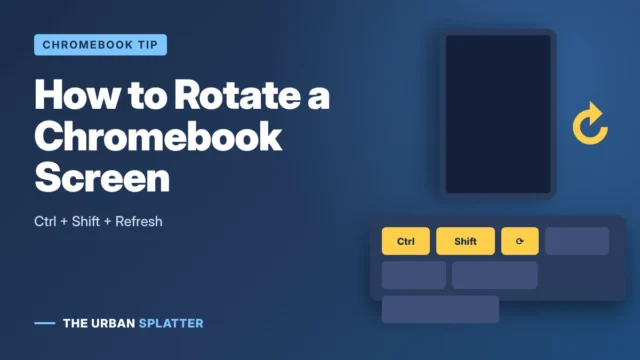
How to Flip or Rotate the Screen on a Chromebook
Flip or rotate a Chromebook screen with Ctrl + Shift + Refresh or Display settings, plus auto-rotate and fixes.
Flip or rotate a Chromebook screen with Ctrl + Shift + Refresh or Display settings, plus auto-rotate and fixes.
Every way to screenshot on Windows 11 and 10: Windows + Shift + S, Print Screen, Snipping Tool, laptops, and where screenshots are saved.