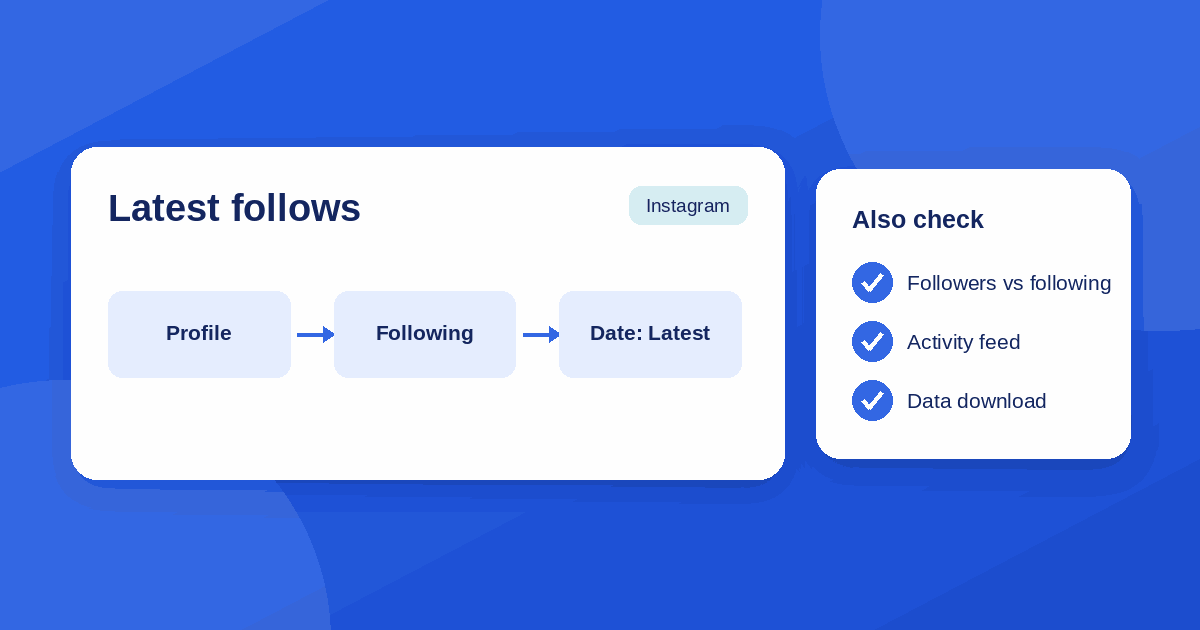
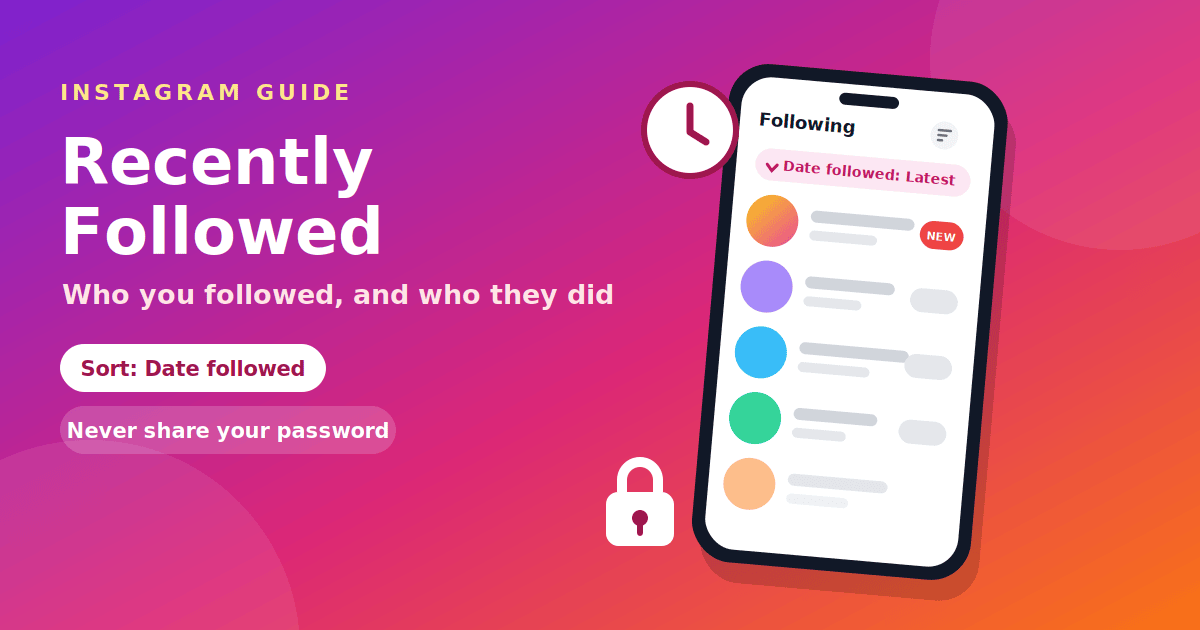
To see who you recently followed on Instagram, open your profile, tap Following, and sort the list by date followed, newest first. That works only on your own account. You cannot read someone else's recent follows from their Following list, because Instagram orders that list for the person looking at it, not by date. This guide covers both cases, explains why, and warns about the tools that promise more. If you were looking for the people who followed you, see our companion guide on latest Instagram followers.
Two different questions
"Recently followed" is used for two very different things, and mixing them up is why so many answers online seem to disagree:
- Who did I recently follow? This is about your own Following list, and the app can answer it.
- Who did this person recently follow? This is about someone else's list, and the app cannot answer it.
The first question is easy. The second is where most people get stuck, and it is where scams and misleading tools cluster. Instagram is a Meta product, and its public pages at about.instagram.com and the Wikipedia entry describe how the app is meant to work.
See who you recently followed
- Open the Instagram app and go to your profile.
- Tap Following under your bio.
- Tap the sort control near the top of the list. It may be labelled Sort by or appear as an icon, and its place can change between app versions.
- Choose Date followed: Latest to put the accounts you followed most recently at the top.
Instagram's default order for the Following list is not chronological. As Vista Social explains, it leans toward how recently and how often you interact with each account. The date sort is the exception, and it is described as genuinely chronological because Instagram stores a timestamp for every follow you make, according to this explanation of the following list order. You can choose Date followed: Earliest to reverse the order.
If the sort option is missing
- Update the app. Sorting options arrive with app versions.
- Look for an icon. The control can be a small icon beside the search box, not a word.
- Try the mobile app. The website may offer fewer options.
- Use a data download. In the app, go to Settings, then Accounts Center, then Your information and permissions, then Download your information, and choose the following data. The export includes a timestamp for each entry, so you can sort it in a spreadsheet. The Instagram Help Center has the current steps.
Someone else's recent follows
Instagram does not offer a way to see someone else's most recent follows in date order. If their account is public, you can open their Following list and scroll, but the order you see is arranged for you, so the first account is not necessarily the newest. The date sort exists only on your own list.
Why their list is not a timeline
When you open another person's Following list, accounts you also follow and accounts you interact with tend to appear first. Two people looking at the same list can see different orders. That is why an account followed yesterday can sit anywhere in the list, and why scrolling gives you no reliable answer about recency. It is also why anyone who tells you the top of someone's list is their latest follow is guessing.
Third-party tools: what to know
Many websites and apps claim to show someone's recent follows in date order. They exist because they re-sort publicly available data, but you should treat them carefully:
- Never enter your Instagram password. A site that asks you to log in with your Instagram account is a common route for account takeovers. The FTC explains how look-alike login pages work.
- Be wary of downloads, extensions and payment requests before you see any result.
- Check what they actually show. They can only read what is public, so private accounts will not work, and results are a snapshot of one moment.
- Remember the rules. Tools that log in on your behalf can break Instagram's terms and put your account at risk.
If you see a message claiming your account will be closed unless you log in somewhere, treat it as phishing. Our guide to scams that follow app shutdowns shows the same pattern. Use the same checks you would for any unknown tool, which we cover in our guide to evaluating a software tool, and the red flags in our safety checklist for unfamiliar websites.
Clean up your Following list
The date sort is also a cleanup tool. Sorting by Earliest shows the accounts you have followed the longest, which is the fastest way to find old accounts you no longer care about. Sorting by Latest lets you double check who you added this week, which helps if you followed accounts by accident or from a spam link.
- Sort by Date followed: Earliest.
- Scroll through the first few screens and note accounts you no longer want.
- Tap Following next to each one, then choose Unfollow.
- Repeat in short sessions. Unfollowing hundreds of accounts quickly can look like unusual activity to Instagram.
Private accounts
If a person's account is private and you do not follow them, you cannot see their Following list at all. If you do follow them, the same rule applies as for public accounts: you see an order made for you, not a timeline.
Frequently asked questions
How do I see who I recently followed on Instagram? Profile, Following, then sort by Date followed: Latest.
Can I see who someone else recently followed? Not in date order in the app. Their list is arranged for you.
Why is the Following list not in order? By default it is ordered by interaction, not by date.
Does Instagram tell people when I look at their Following list? Instagram does not notify people that you opened their list.
Is it safe to use a recent-follow tracker? Be very careful. Never give a tool your password, and expect only public data.
What is the difference between recent follow and recent followers? Recent follows are accounts you followed. Recent followers are people who followed you, which we cover in our latest followers guide.
Can I download my follow history? Yes. Use Instagram's Download your information option and choose the following data.
The takeaway
You can see who you recently followed by sorting your own Following list by Date followed: Latest, or by using a data download if the option is missing. You cannot see the same for someone else, because their list is ordered for you, not by date. Avoid tools that ask for your password, and use the date sort to tidy your own list.